VPN for Mac: One Universal App for iPhone, iPad & Mac — Free 7-Day Trial (No Credit Card)
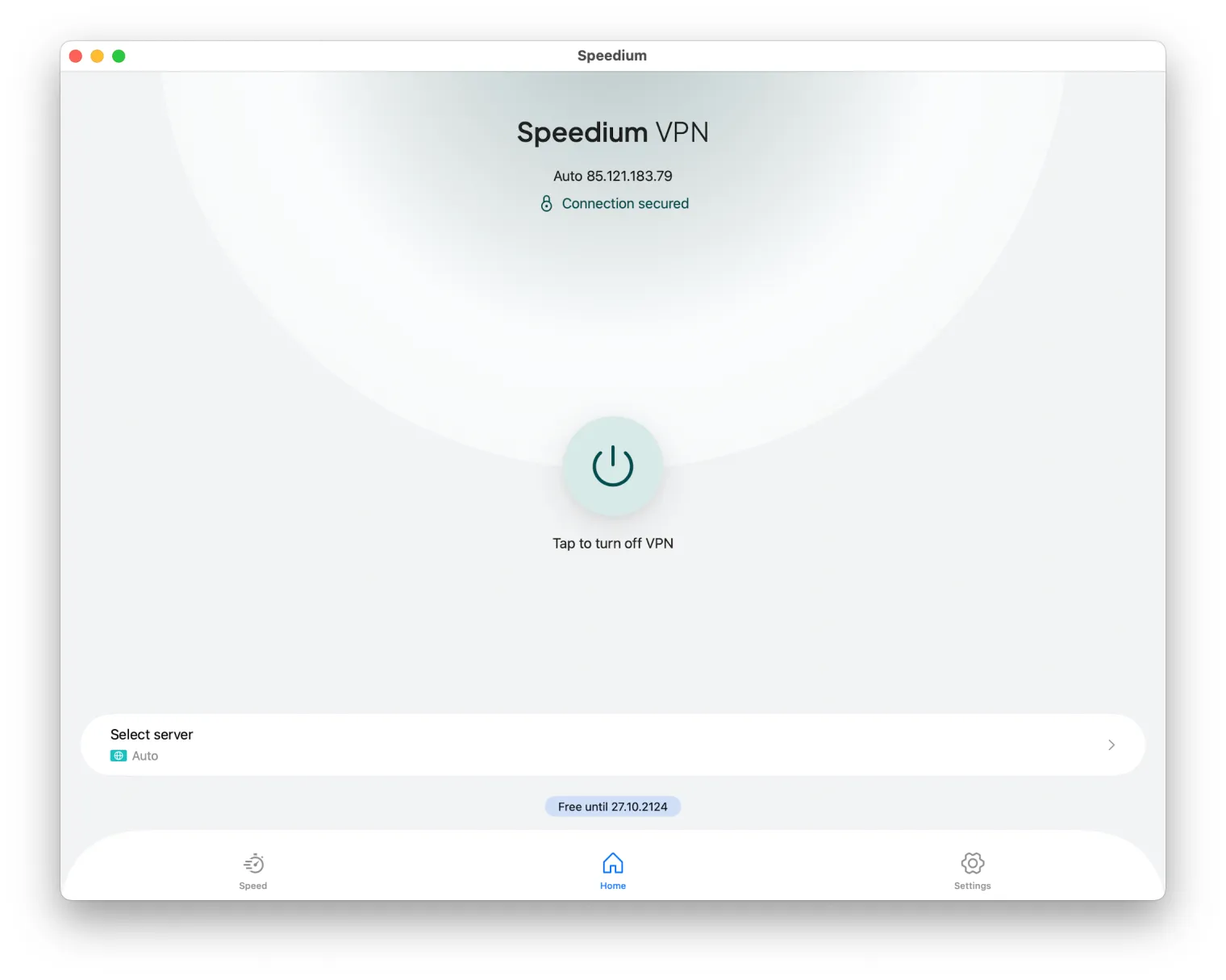
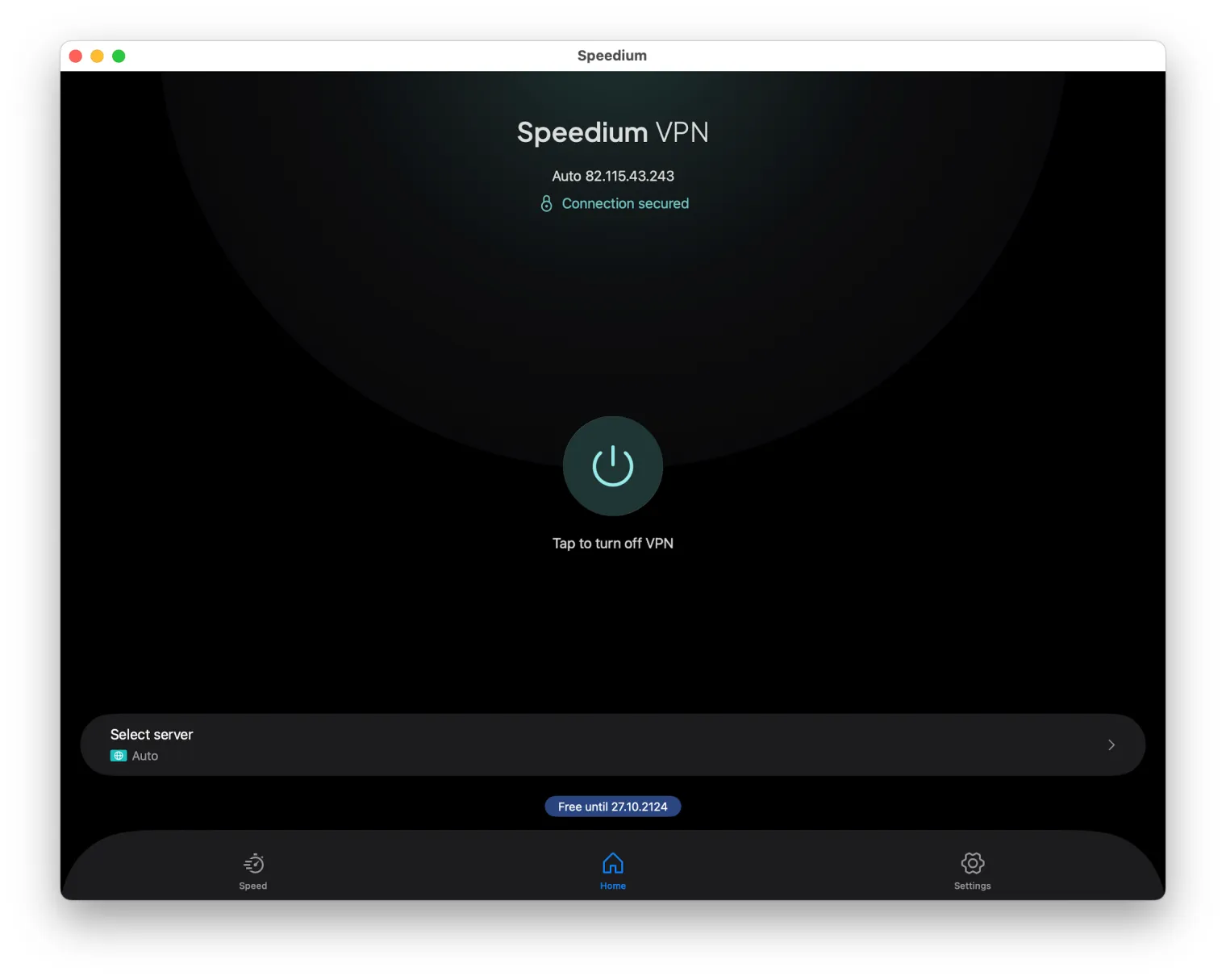
The VPN for Mac that also lives on your iPhone and iPad
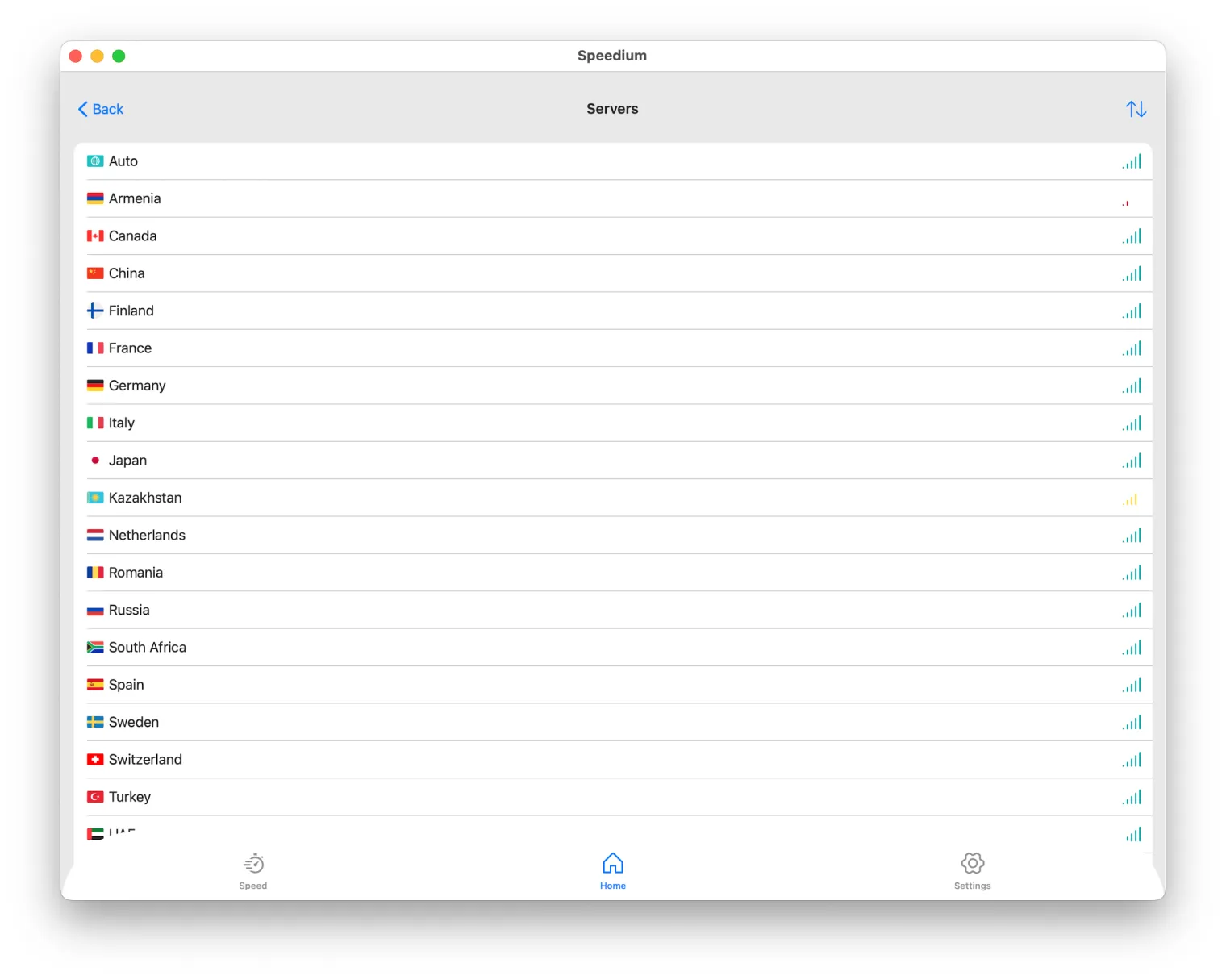
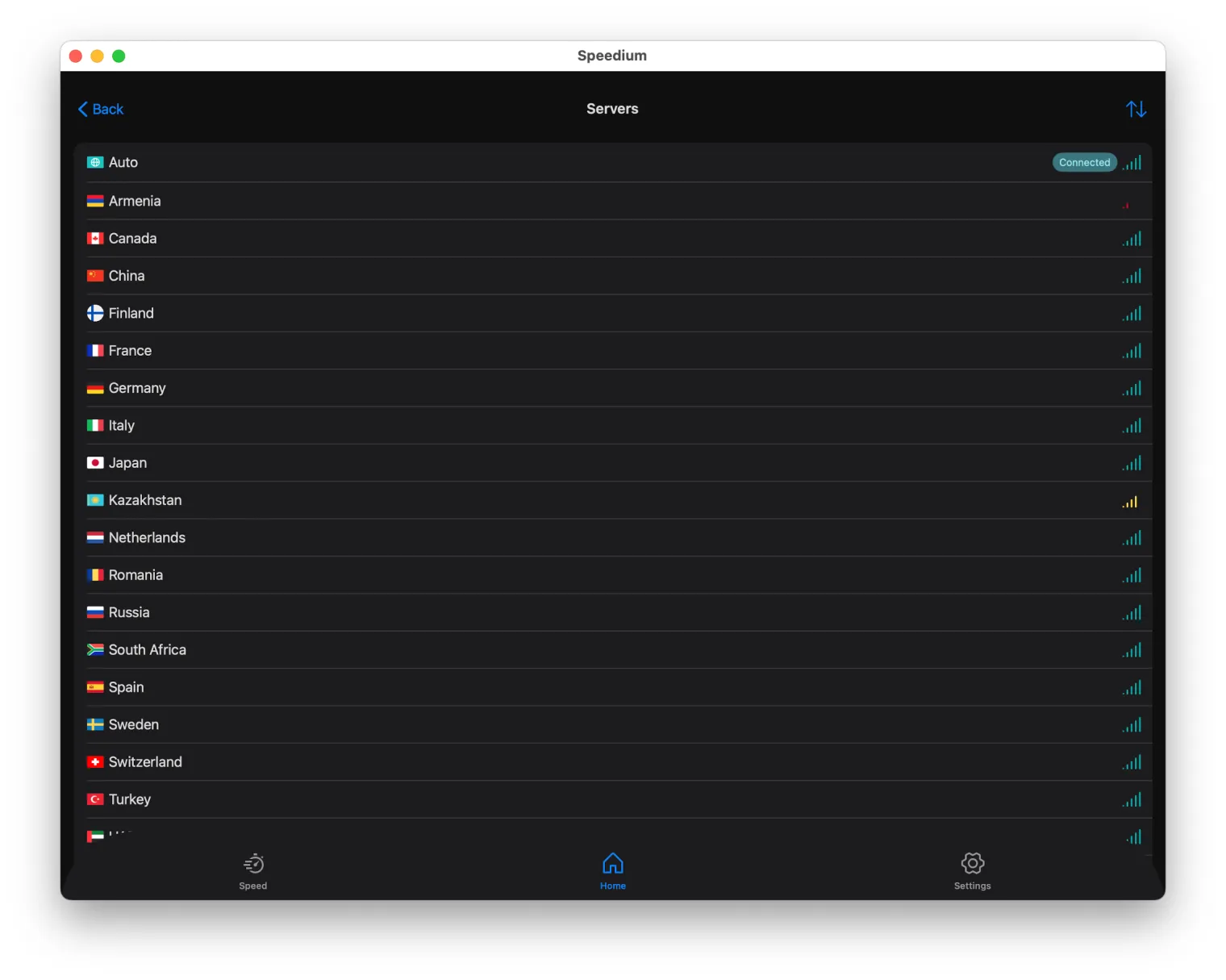
Most apps sold as a "VPN for Mac" treat your Mac as an island. You install one client on your laptop, a completely different app on your phone, and juggle two logins that barely know each other exist. Speedium takes the opposite approach: it treats your whole Apple ecosystem as one. It's a single universal app for iPhone, iPad and Mac, tied to one account — so the moment you're protected on one device, you're set up for all of them.
Two promises drive everything here. First, ecosystem continuity: one app, one login, every Apple device. Second, trust: a genuine 7-day free trial with no credit card, no Apple Pay, and no auto-billing. This guide covers setup, features, Apple Silicon support, security essentials, and exactly how a real trial differs from the "free" VPNs cluttering the App Store.
One universal app for the whole Apple ecosystem (iPhone + iPad + Mac)
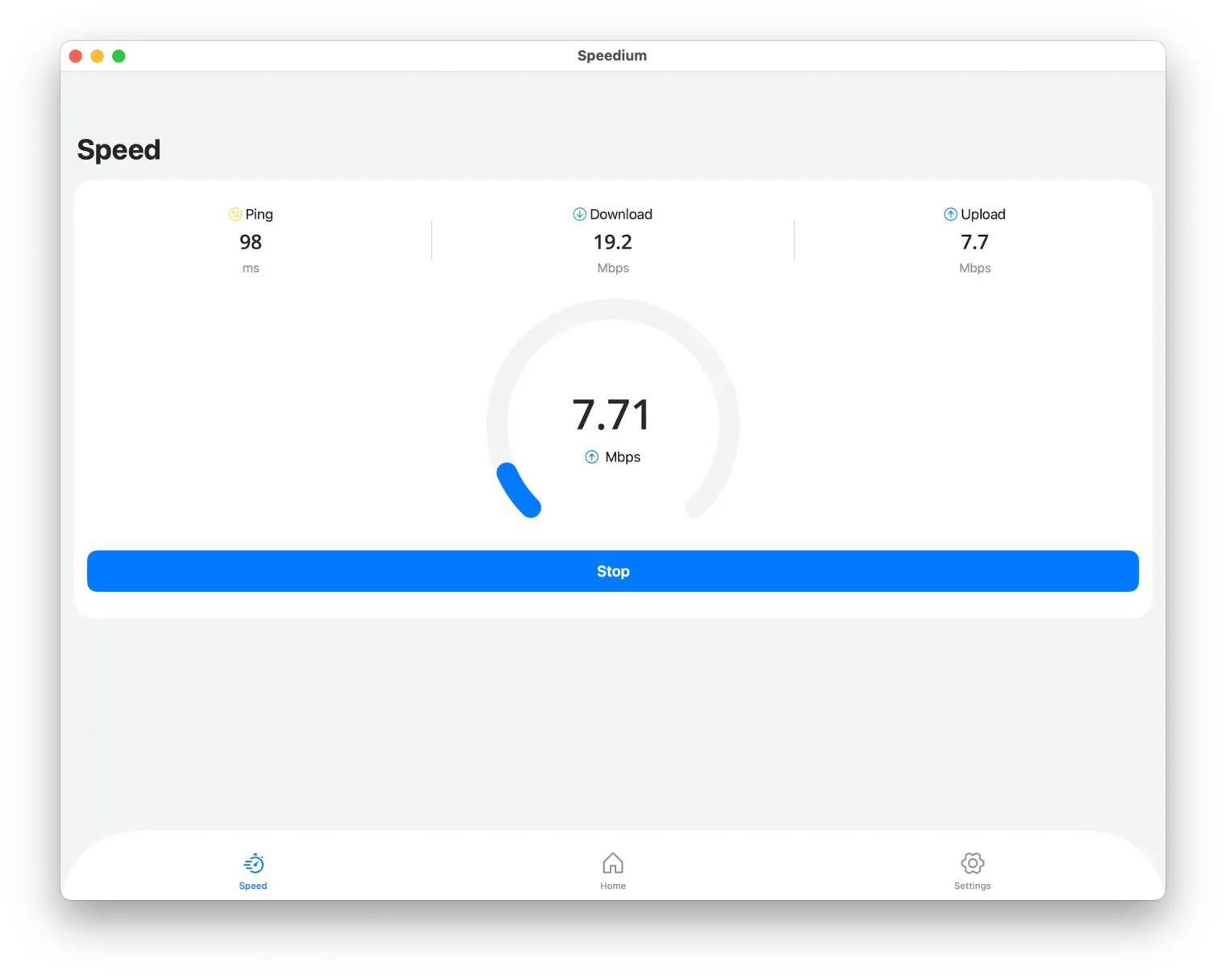
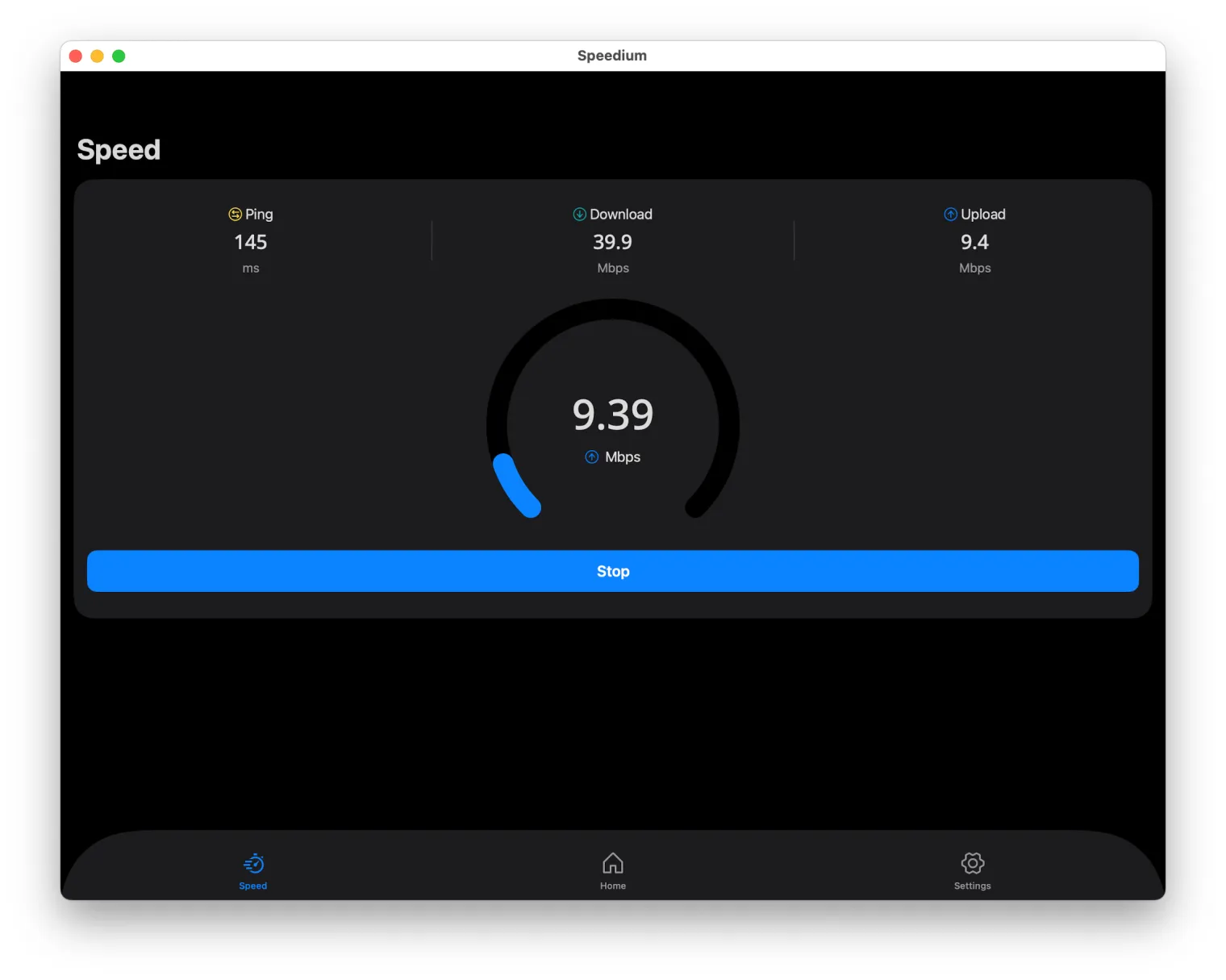
Not a separate app per device
Let's answer the most common question directly: Speedium is one app for all your Apple devices, not a separate build you download and configure per platform. The macOS, iOS and iPadOS versions share the same design, the same locations, and the same feel. You don't relearn a new interface every time you switch screens.
One account, all your Apple devices
You sign in once, and your settings and subscription travel with the account — not with any single machine. Log in on your Mac, and your iPhone and iPad recognize the same credentials instantly. Contrast that with vendors who ship an isolated Mac client that doesn't really talk to their mobile apps: two subscriptions to reason about, two sets of preferences, two things to break.
The practical payoff is simple. Learn it once, connect anywhere, and get a consistent UI across macOS, iOS and iPadOS. Your single account supports several Apple devices connected at the same time — up to your plan's simultaneous-connection limit — so your Mac, iPhone and iPad can all stay protected without fighting over one "seat."
Try it free for 7 days — no credit card, no Apple Pay, no auto-billing
Here are the trial terms, stated plainly: 7 full days, zero payment method required. No credit card. No Apple Pay. No auto-billing lurking at the end.
Because there's no card on file, there's nothing to charge when the week is up. The trial simply expires — you are never charged automatically, and there's nothing to cancel to "avoid" a bill that was never scheduled. That's what risk-free is supposed to mean: you try the product, and if it isn't for you, you walk away and nothing happens.
How to set up Speedium VPN on your Mac
Download
Get the Speedium app for Mac from the App Store or the official Speedium website. The download is lightweight and installs like any native macOS app.
Sign in
Open the app and create an account or sign in. This is where the trial starts — and where most VPNs ask for a card. Speedium doesn't. You begin your 7-day trial without entering any payment details at all.
Connect
Pick a location and click Connect. You're protected in seconds. On the very first connection, macOS will ask you to allow Speedium to add a VPN configuration — approve it once, and you won't be prompted again. That same login instantly unlocks the app on your iPhone and iPad, so there's no second setup to do later.
What you can do: privacy, streaming, and speed on macOS
Privacy on public Wi-Fi
Café, airport and hotel Wi-Fi are open networks you don't control. Speedium encrypts your traffic so the network — and anyone sharing it — can't read what you're doing, and it hides your real IP from trackers and snooping. On an unfamiliar connection, that encryption is the difference between browsing safely and broadcasting.
Streaming and geo-content
Your Mac is where a lot of media happens. Speedium lets you reach region-locked content and services by connecting through a location where they're available, so a catalog that's blocked at home opens up when you're traveling.
Everyday speed
A modern VPN protocol keeps overhead low, so browsing, downloads and video stay fast on macOS instead of crawling. Whether you're working, streaming, or connecting to remote resources, the connection is meant to stay out of your way.
Works on every modern Mac (Apple Silicon & Intel)
Speedium runs natively on Apple Silicon — M1, M2, M3 and newer chips — so it uses your Mac's hardware directly rather than running through an emulated compatibility layer. That means better performance and better battery efficiency during long sessions.
It also fully supports Intel-based Macs, so an older MacBook or iMac is covered too. The app targets recent macOS releases and keeps a lightweight footprint: it was designed for macOS specifically, not bolted on as a generic desktop wrapper. A native build isn't a marketing line here — it's why the app stays quick and light on battery.
Seamless across devices: start on Mac, continue on iPhone/iPad
One subscription covers your Mac, iPhone and iPad, and they can all be used at the same time within your device limit. Your locations, favorites and settings stay consistent across the ecosystem, because the account — not any single device — is the single source of truth.
Picture a normal day. You connect on your Mac at your desk in the morning. When you head out, your iPhone is already signed in and ready, so you stay protected on the move without touching a settings screen. Get home, open the iPad on the couch, and it's the same story. No re-buying per device, no re-configuring, no wondering which app has which preferences. You set it up once, and the ecosystem carries it.
Security essentials: no-logs, kill switch, leak protection
No-logs policy
Your activity isn't recorded, stored for resale, or handed off. A no-logs stance means there's nothing sitting on a server tying your browsing back to you.
Kill switch
If the VPN connection ever drops, the kill switch blocks your traffic instead of letting it fall back to the open internet. Nothing leaks out unprotected in the gap before you reconnect.
DNS/IP leak protection
Built-in DNS and IP leak safeguards keep your real address from slipping out through the side channels that quietly expose many VPN users. Strong modern encryption is the baseline across every Apple device on your account — Mac, iPhone and iPad alike.
Speedium vs. "free" Mac VPNs and trials with hidden billing
The VPN market runs on two traps: "free forever" apps that quietly cost you in other ways, and "free trials" that demand a card and charge it the second you forget to cancel. Here's how they stack up.
| What matters | "Free" Mac VPN | Trial that needs a card | Speedium |
|---|---|---|---|
| Payment to start | None | Card or Apple Pay required | None |
| Auto-billing after trial | N/A | Yes — charges if you forget to cancel | No auto-billing |
| Apple ecosystem coverage | Usually one platform | Varies | One app: iPhone + iPad + Mac |
| Logging | Often logs/sells data | Varies | No-logs |
| Speed & data | Capped, throttled, ads | Full during trial | Full, no data caps |
| Cancel to avoid charges | N/A | Required | Nothing to cancel |
"Free" VPNs cap your data, inject ads, offer weak privacy, and sometimes monetize the very traffic they're supposed to protect. Card-required trials count on your forgetfulness. Speedium's column is short and honest: no card, no auto-billing, one app for all your Apple devices, and a no-logs policy. The differentiator is trust.
FAQ
Does the Mac VPN really work without a credit card or Apple Pay during the trial?
Yes. The 7-day trial requires no payment method at all — no credit card and no Apple Pay. You download the app, sign in, and connect. Nothing about the trial is gated behind entering a card.
Will I be charged automatically when the 7-day trial ends?
No. Since no payment method is ever stored, there's nothing to auto-charge. The trial simply expires at the end of the seven days. You only pay if you actively decide to subscribe.
Can I use the same subscription on my Mac, iPhone and iPad at the same time?
Yes. One account covers all your Apple devices simultaneously, up to the connection limit on your plan. Your Mac, iPhone and iPad can all stay connected together.
Is it one app for all Apple devices or a separate app per device?
It's one universal Speedium app across macOS, iOS and iPadOS, tied to a single account — not a different app for each device. You learn one interface and it follows you everywhere.
Does it run natively on Apple Silicon (M1/M2/M3) Macs?
Yes. Speedium runs natively on Apple Silicon — M1, M2, M3 and newer — for full performance and battery efficiency, and it also supports Intel-based Macs.
How is a real free trial different from a "free" VPN for Mac?
A real trial gives you full, unrestricted access for 7 days with no card required. "Free" VPNs typically cap your data, show ads, throttle speed, and may log or even sell your data to stay afloat. A trial is the whole product for a week; a "free" tier is a permanently limited version.
Do I need to cancel anything to avoid being billed after the trial?
No. No billing is set up during the trial, so there's nothing to cancel. You won't be charged unless you choose to subscribe on your own.
How many Apple devices can I connect on one account?
Your single Speedium account lets you connect multiple Apple devices at once — Mac, iPhone and iPad — up to your plan's simultaneous-connection limit. There's no separate purchase per device.
Start your free 7-day trial
Try Speedium free for 7 days on your Mac, iPhone and iPad — no credit card, no Apple Pay, no auto-billing. Download the app, sign in, pick a location, and you'll be connected in under a minute. There's nothing to cancel and you're never charged automatically: if the trial isn't for you, it just ends. Download Speedium and start your free trial today.