One VPN for iPhone, iPad and Mac: Speedium VPN with a Genuine 7-Day Free Trial
Why Apple Users Need One VPN Across Every Device — Not Three Separate Apps
If you own an iPhone, an iPad and a Mac, you already expect them to behave as one system. You start an email on your phone, finish it on your Mac, and pick up a note on your iPad without thinking about it. So why should protecting your connection work any differently?
For most people, the reality is frustrating. Running a VPN often means juggling three separate apps, three logins and — worse — three places where a "free" trial can quietly turn into a charge. The App Store is full of VPNs advertised as free that demand a card up front and auto-renew into weekly fees you never agreed to in plain language.
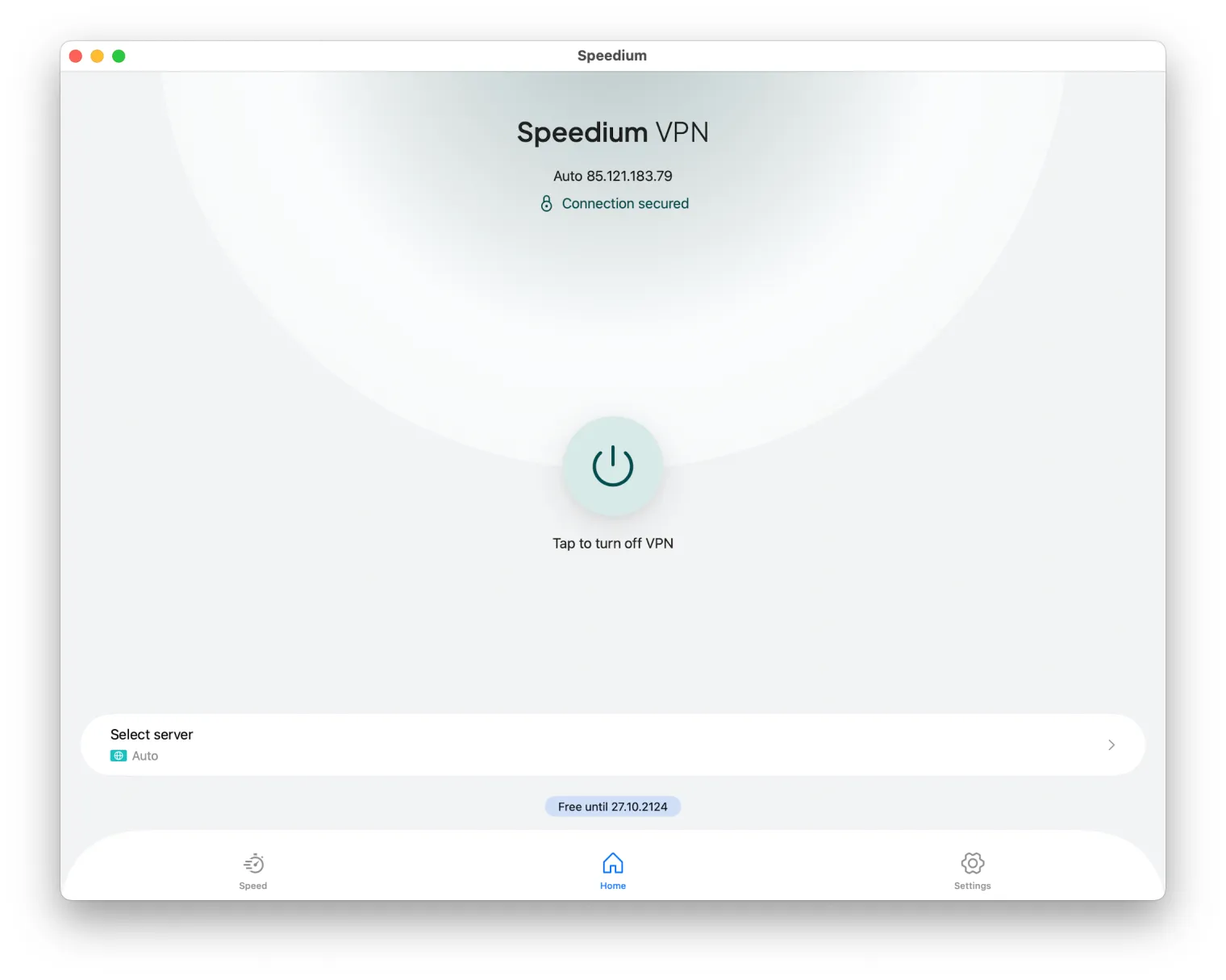
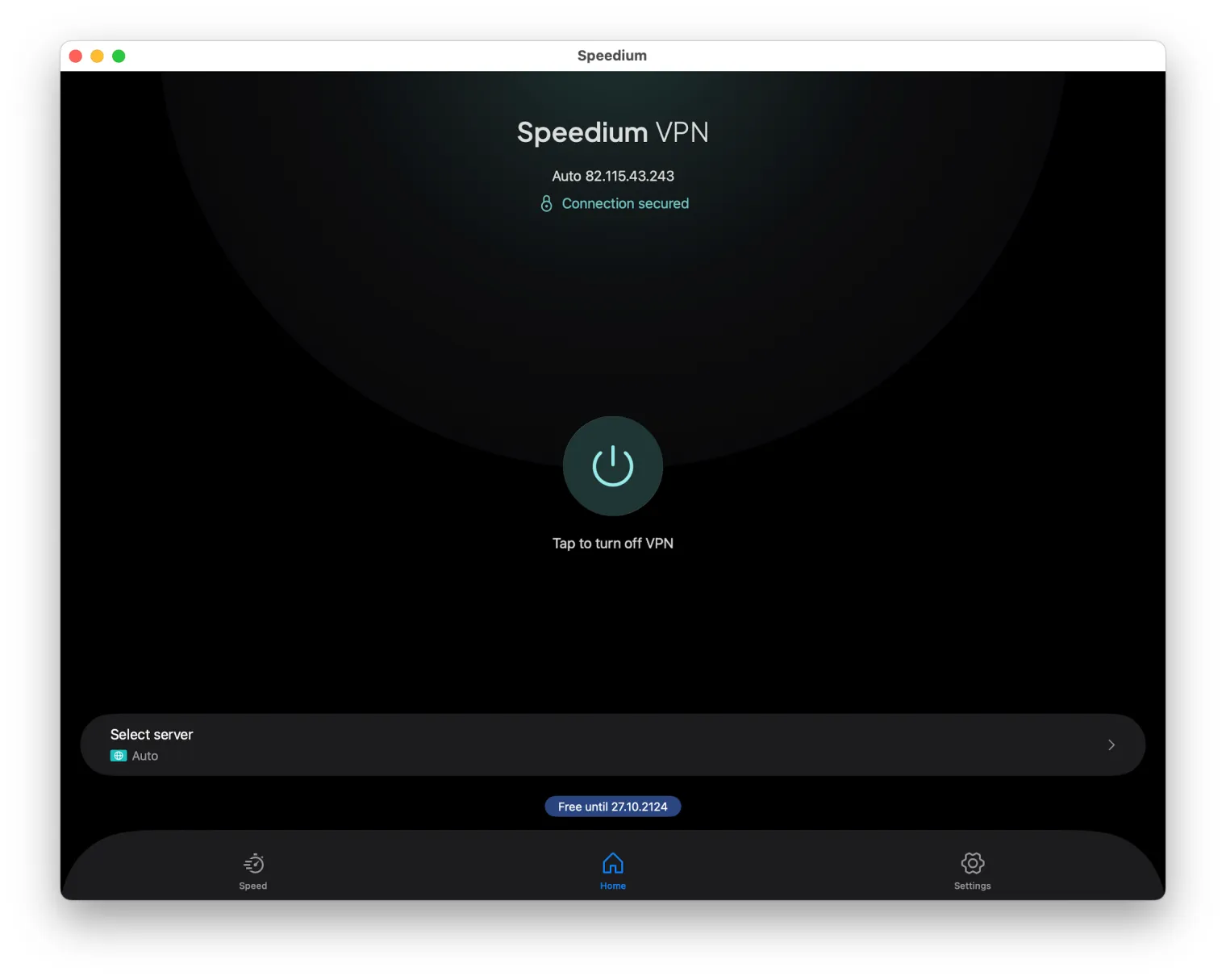
Speedium VPN takes the Apple-ecosystem approach instead: one universal app, one account, and native behavior on each device. This article explains exactly how that works, and how the genuinely risk-free 7-day free trial — no credit card, no Apple Pay, no auto-billing — lets you test everything before you decide to pay.
One App for iPhone, iPad and Mac: How the Universal Apple App Works
Yes — a single Speedium VPN subscription covers your iPhone, your iPad and your Mac. There is no separate Mac product to buy and no per-device purchase. One account protects everything.
A single account across all your Apple devices
You install the app once per device and sign in with the same account each time. Your plan lives with your account, not with a specific gadget, so everything syncs to one subscription. Add a new iPad next year, and it simply joins the same plan.
Native on each device, not a stretched phone app
Speedium VPN is built natively for iOS, iPadOS and macOS. It is not a phone app awkwardly forced onto a Mac window. On the Mac it behaves like a Mac app; on iPad it uses the larger screen properly; on iPhone it stays lightweight and quick. Each version is designed for the platform it runs on.
Switch devices without switching logic
Your settings, your preferred server and your protection follow you as you move between devices. Close the lid on your Mac, pick up your iPhone, and the experience is consistent — same account, same behavior, no re-learning a different interface.
The 7-Day Free Trial Explained: No Credit Card, No Apple Pay, No Auto-Billing
Here is the core promise, stated plainly: 7 full days free, on any Apple device.
- - No credit card required to start. You are not handing over payment details just to look around.
- - No Apple Pay and no App Store subscription tied to the trial. Nothing is queued up in your account waiting to charge.
- - No auto-billing. The trial cannot silently convert into a paid charge, because there is no payment method on file to charge.
You decide to pay only after you have actually tested the app across your devices. That is what a real try-before-you-buy looks like. Contrast it with the industry norm, where "free trial" usually means your card is charged automatically on day 8 unless you remember to cancel in time. Speedium reverses that: doing nothing costs you nothing.
How to Set Up Speedium VPN on iPhone, iPad and Mac (Once)
The flow is the same on every Apple device. The only real difference is the permission dialog your operating system shows.
Set up on iPhone
- 1. Download Speedium VPN from the App Store on your first device.
- 2. Create your account and start the 7-day free trial — no card, no Apple Pay.
- 3. When iOS asks, allow the VPN configuration, then tap once to connect.
Set up on iPad
- 1. Install the app from the App Store on your iPad.
- 2. Sign in with the same account you created on iPhone — there is nothing to buy again.
- 3. Approve the VPN configuration when iPadOS prompts, then connect with one tap.
Set up on Mac
- 1. Download the Mac app and open it.
- 2. Sign in with your existing account so it joins the same subscription.
- 3. Allow the VPN configuration in the macOS prompt, then connect.
Each device connects independently under your one subscription. Same simple steps on iPhone, iPad and Mac — the only thing that changes is which OS permission dialog appears. Set it up once, use it everywhere.
Speedium VPN vs Typical App Store VPNs: Transparency, Subscriptions and Trust
The complaints you see repeatedly in real App Store reviews are almost always about the same two things: fragmented apps and deceptive auto-renewals. Here is how Speedium is built to counter them.
| What matters | Typical App Store VPN | Speedium VPN |
|---|---|---|
| Starting the trial | Requires card or Apple Pay up front | No card, no Apple Pay to begin |
| After the trial | Auto-renews into paid billing | No auto-billing — nothing charges you |
| Hidden pricing | Surprise ~$5/week charges | Clear pricing stated up front |
| Apps per platform | Separate or afterthought Mac app | One universal app for all Apple devices |
| Account model | Often per-device or seat limits | One account across iPhone, iPad, Mac |
| Cancellation | Buried in App Store subscription maze | Cancel anytime, no lock-in |
The pattern is easy to scan: the typical experience is designed so a "free" trial becomes a recurring charge you have to fight to stop. Speedium is designed so you are never charged unless you actively decide to subscribe.
Privacy and Security on Your Apple Devices
One account across devices does not mean weaker protection. Each device holds its own encrypted tunnel.
No-log policy
Speedium follows a no-log approach: your browsing and activity are not recorded, stored for later, or sold. The point of a VPN is privacy, and a provider that quietly logs your traffic undermines that entirely.
Strong encryption on every device
Modern encryption protects your traffic identically on iPhone, iPad and Mac. You are not getting "lite" security on one device and full security on another — the tunnel is strong everywhere, and Speedium uses Apple's native VPN frameworks and on-demand protection where relevant.
App Privacy transparency on the App Store
You don't have to take any claim on faith. Apple requires every app to publish an App Privacy "nutrition label" on its App Store listing, showing what data an app collects and how it's used. Read Speedium's label before you install — it's a transparency check you can verify yourself, independent of any marketing.
Sharing one account across devices does not weaken this. Each device establishes and holds its own encrypted connection, so protection is per-device even though billing and login are unified.
Speed and Reliability Across Apple Devices
A common worry: if one account covers three devices, does each device get slower? No. You are not splitting a single tunnel between your phone, tablet and laptop.
Each device establishes its own independent connection. Your iPhone on cellular, your iPad on Wi-Fi and your Mac on a wired network each get their own tunnel, so there's no shared pipe being carved up. Because the apps are native to iOS, iPadOS and macOS, they behave efficiently — sensible performance and battery behavior on each platform rather than the drain that comes from a poorly ported app.
A reliable server network keeps streaming, browsing and work steady across all three devices. The experience stays consistent no matter which Apple device you pick up.
What Happens After the Trial: Honest Pricing, Cancel Anytime, No Surprise Charges
Because there is no card and no auto-billing, nothing charges you when day 7 ends. This is the opposite of the usual trap.
How to cancel before you're billed
There is nothing to frantically cancel. With no payment method attached to the trial, inaction is safe — no action means no charge. You only start paying if you actively choose a plan because you want to keep using Speedium.
What happens to your data if you cancel
If you decide not to continue, the no-log policy means there is no personal browsing history sitting somewhere to worry about. And if you do subscribe later, pricing is transparent and stated up front, you can cancel anytime, and there's no lock-in — no App Store subscription maze to fight your way out of.
Frequently Asked Questions
Can one VPN app really work on my iPhone, iPad and Mac with a single subscription?
Yes — one Speedium VPN account covers all three. Install the app on each Apple device, sign in once with the same account, and every device is protected under the same plan. There are no extra purchases and no separate Mac product to buy.
Is the free trial actually free — do I need a credit card or Apple Pay to start?
It's genuinely free for 7 days. No credit card, no Apple Pay, and no App Store subscription are required to begin. Because nothing is attached as a payment method, there is nothing that can be charged during the trial period.
Will I be auto-charged when the 7-day trial ends?
No. There is no auto-billing. When the trial ends, nothing happens unless you actively choose to subscribe. With no card on file, there is no mechanism for a surprise charge on day 8 — inaction simply means the trial lapses.
How is this different from "free" App Store VPNs that secretly charge $5/week?
Those require payment up front and auto-renew into weekly charges many users never clearly agreed to. Speedium takes no payment to start, never auto-bills, uses one universal app across your Apple devices, and shows its pricing transparently before you decide.
Do I have to install and log in separately on each Apple device?
You install the app on each device and sign in with the same account — a quick, one-time setup per device. There is nothing to buy again. Every device shares your single subscription, so adding a new Apple device just means installing and signing in.
What are the exact iOS and macOS requirements to run it?
Speedium runs natively on iPhone, iPad and Mac, including Apple Silicon and recent Intel Macs. Check the current minimum iOS, iPadOS and macOS versions on the App Store listing before installing, as supported versions are updated over time to match Apple's releases.
How do I cancel before being billed, and what happens to my data?
Since there's no auto-billing, doing nothing means you're never charged. If you subscribe later, you can cancel anytime with no lock-in. Thanks to the no-log policy, no browsing history is retained, so there's nothing personal left behind if you leave.
Does using one account across multiple Apple devices reduce speed or security?
No. Each device establishes its own encrypted connection, so you're not splitting a single tunnel between devices. Speed and security stay consistent across iPhone, iPad and Mac, and every device gets full protection independently.
Get Started: Try Speedium VPN Free on Any Apple Device
One app for iPhone, iPad and Mac. One account. A genuinely risk-free 7-day free trial — no credit card, no Apple Pay, no auto-billing.
Download Speedium VPN from the App Store and start your trial today. Test it across every Apple device you own, keep it only if you love it, and cancel anytime. Nothing charges automatically, so the only thing you have to lose is the hassle of juggling three separate VPN apps.